Magisor
2026-07-11 · 7 min read
Shake your mouse, the screen freezes, and an AI overlay appears over whatever you're looking at — an invisible, local-first AI companion for Windows.
- Category
- Desktop
- Status
- Live
- Role
- Solo — brand, product & engineering
- Stack
- FlutterDartC++/WinRTWindows.Media.OcrGemini/Claude/Groq
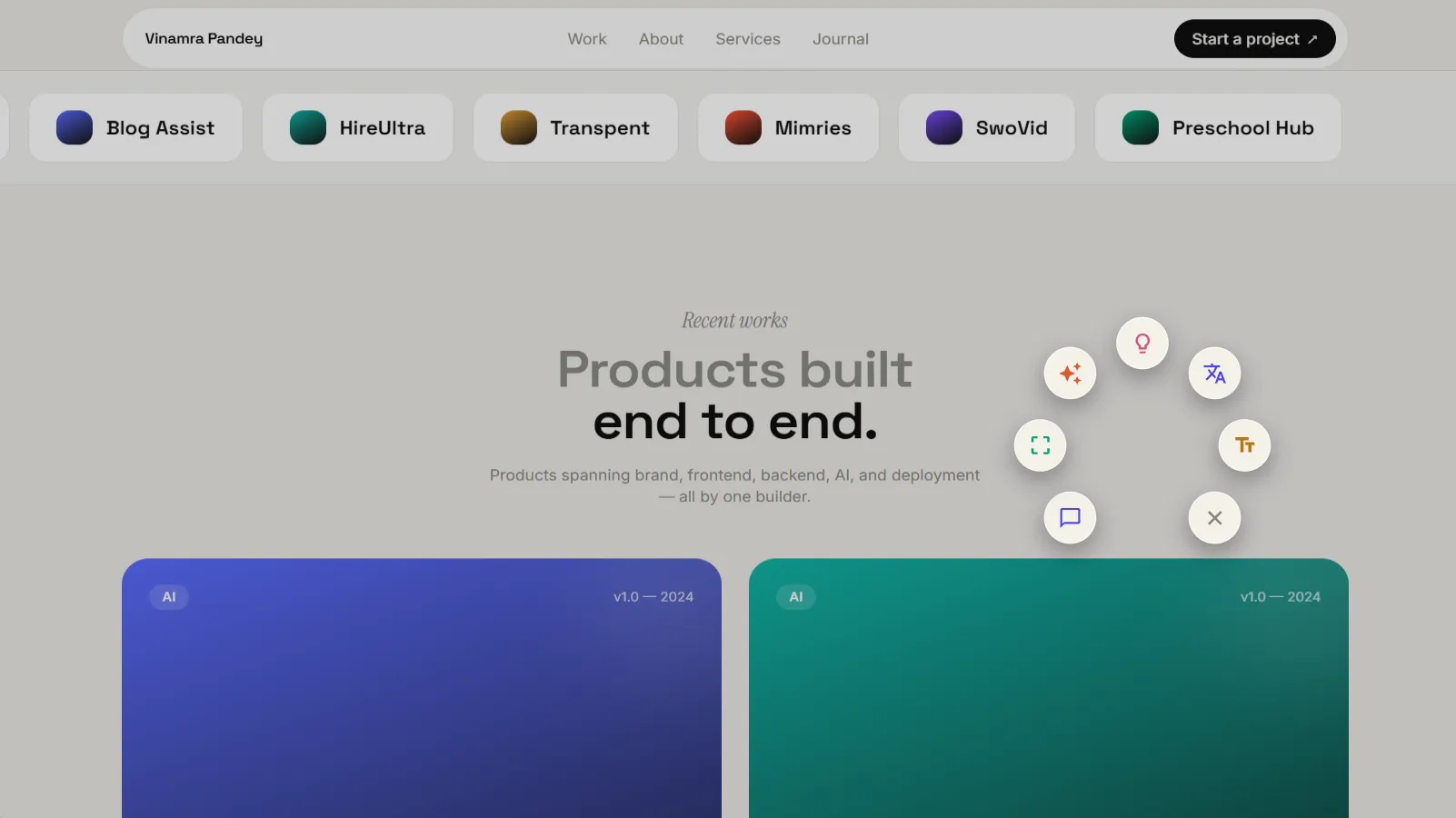
Shake your mouse, the screen freezes, and a radial menu appears wherever your cursor was.
Every AI tool asks you to leave what you're doing to use it. Open a tab. Paste your context. Wait. Come back. That friction isn't an accident — it's baked into the architecture of a chat window.
Meanwhile, Android had shipped Circle to Search. Google was previewing an AI-native pointer concept internally called "Magic Pointer." And Windows had nothing like it.
So I built it.
What Magisor actually does
Magisor is an invisible AI companion that lives in your Windows system tray. Shake your mouse, and whatever's currently on your screen freezes into an interactive overlay. From there you can:
- Ask — a free-form question about anything on screen, like "what does this error mean?" or "summarize this."
- Select (Circle-to-Search) — drag a box around any region and the AI analyzes just that.
- Select Text — universal on-device OCR. Drag across any words, whether they're in an image, a video frame, a PDF, a game, or a locked-down UI, then Copy, Translate, Search, or Ask about that text.
- Summarize / Explain / Translate — one-tap actions on the whole frozen screen.
- Keep asking follow-up questions about the same frozen context without re-explaining yourself.
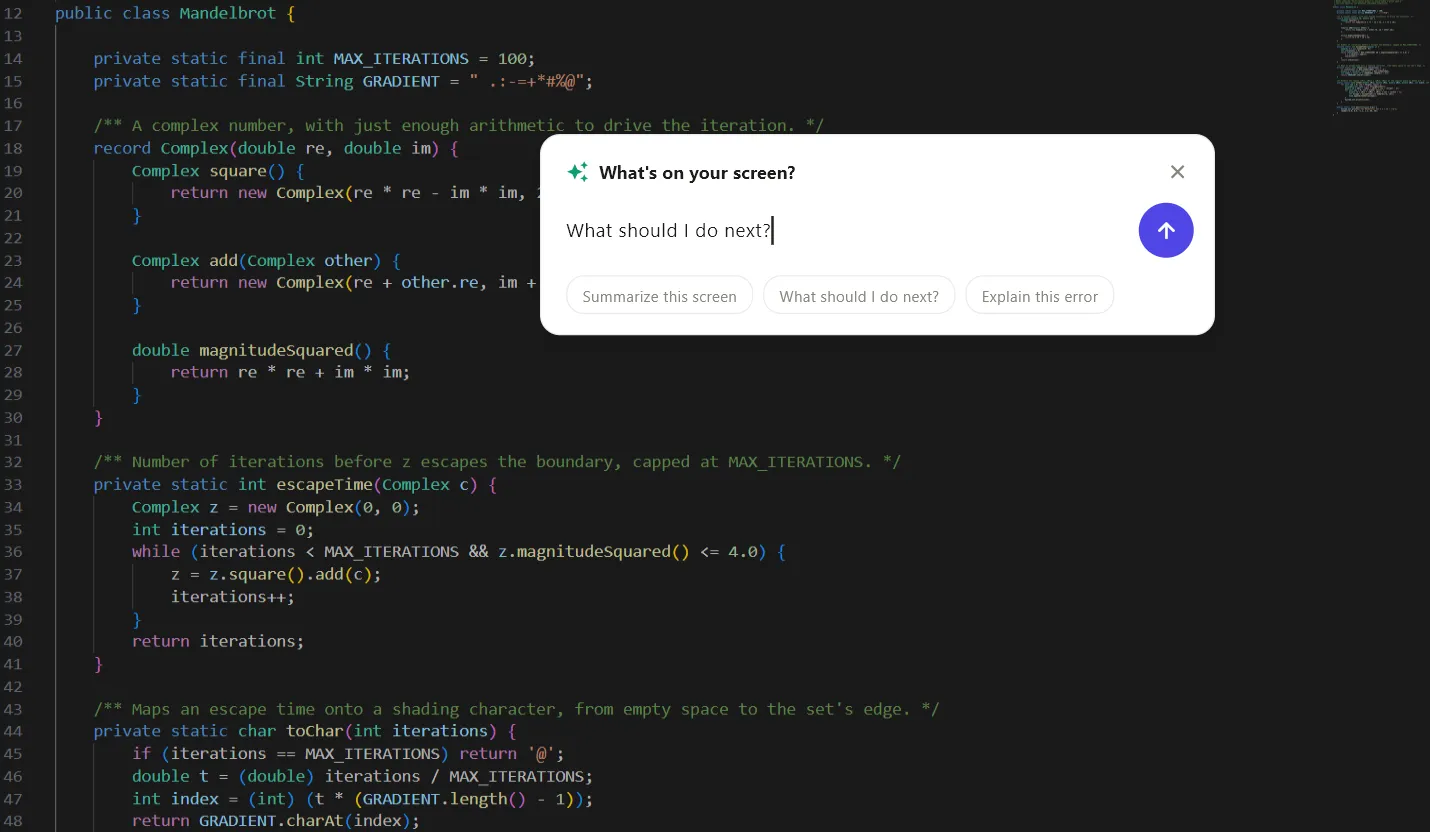
"What's on your screen?" — the Ask bar, with quick-start suggestions for common questions.
Every result gets stored locally, and anything worth keeping can be starred. You bring your own API key for Gemini, Claude, or Groq: no subscription, no hosted backend, no telemetry.
Why it's different from what already exists
Magisor is not a Copilot competitor — Copilot lives inside Microsoft apps, while Magisor is an overlay across all of them. It's not a ChatGPT wrapper, since there's no hosted service sitting in between you and the model. It's not a screenshot tool: Snipping Tool copies a rectangle, Magisor understands what's inside it. And it's not a subscription — bring your own key, local-first, free to run.
| Magisor | The usual alternative | |
|---|---|---|
| Invocation | A physical gesture, in place, no window switch | Open an app, hit a shortcut, or alt-tab |
| Works on | Anything visible: games, DRM video, images, locked UIs | Only apps that expose text via accessibility APIs |
| OCR | On-device (Windows.Media.Ocr), no cloud round-trip | Often a cloud vision call for every OCR step |
| AI backend | Bring your own key: Gemini, Claude, or Groq | A single hosted model behind a subscription |
| Data | Local SQLite, keys in the OS credential store, no telemetry | Often synced to a vendor's servers by default |
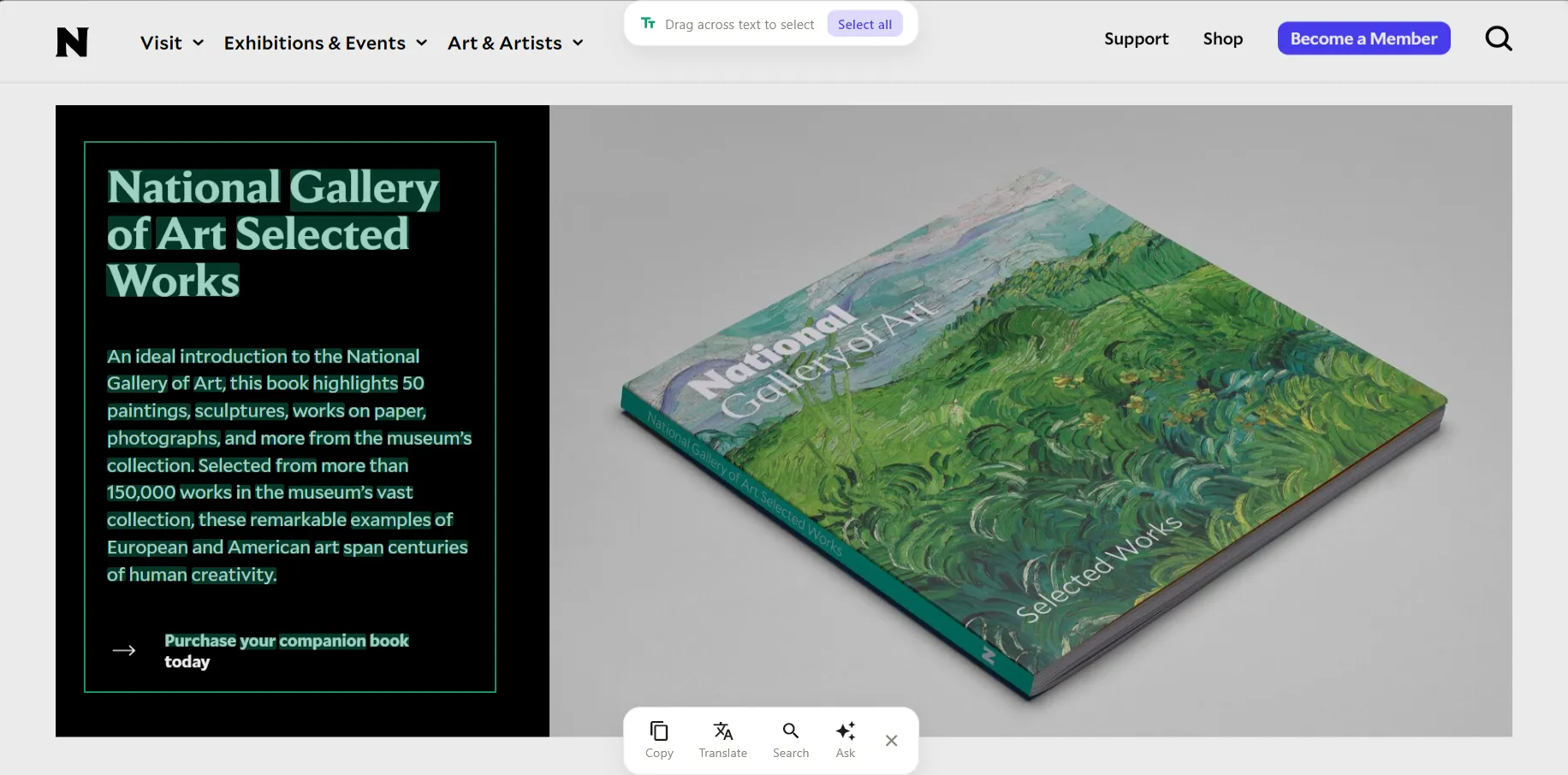
Drag across any words on screen and a Copy / Translate / Search / Ask toolbar appears.
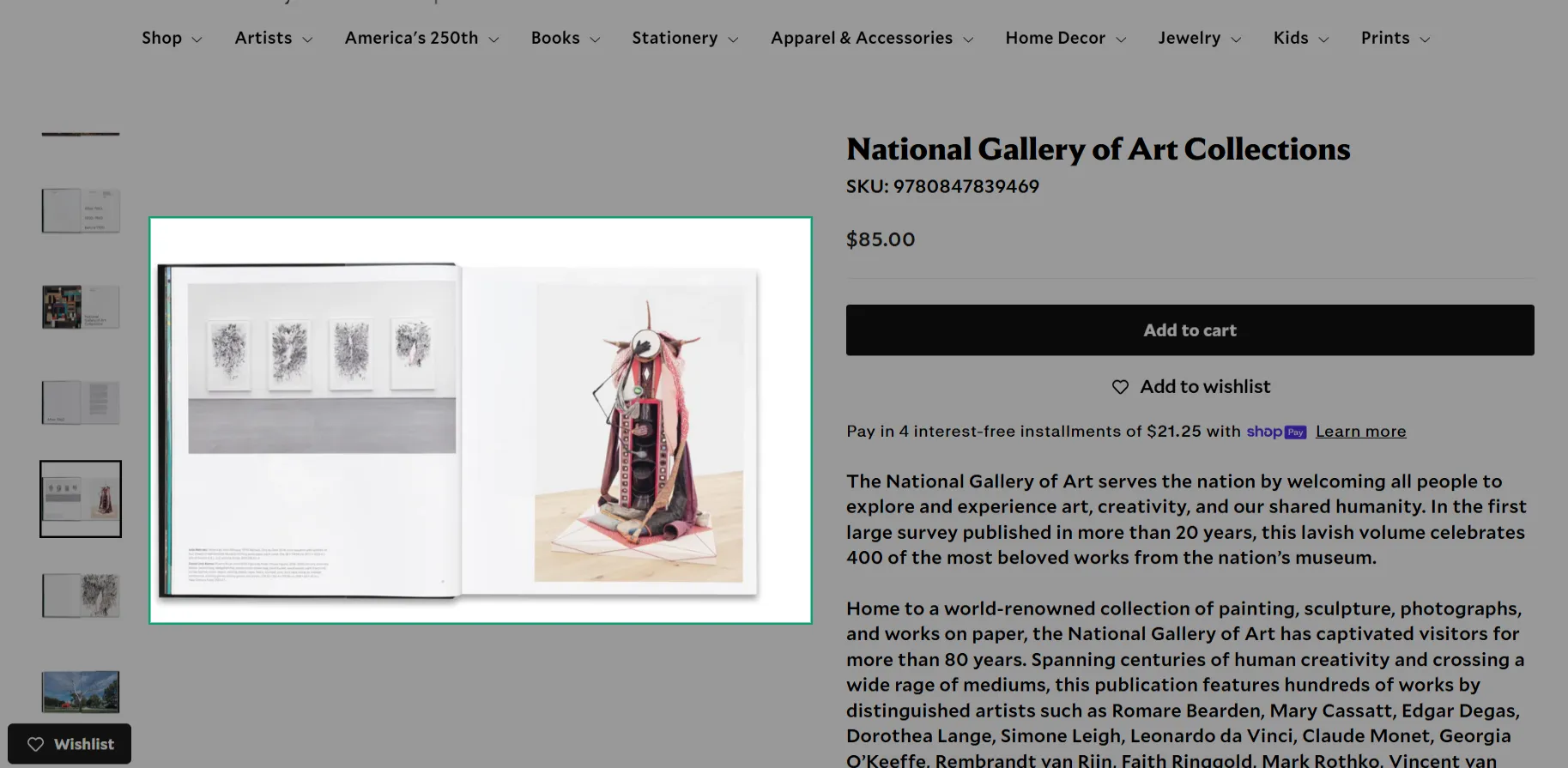
Circle-to-Search: draw a region around anything, and the AI analyzes just that selection.
The core decision: freeze the screen, don't read the live desktop
Windows has no equivalent of Android's overlay accessibility APIs, and no universal way to read text out of an arbitrary app — games, DRM video, and a lot of modern UI frameworks expose nothing to assistive APIs.
Rather than fight that, Magisor leans into it: the instant a shake fires, it captures a still frame and every subsequent interaction — selecting, circling, dragging across text — happens against that static bitmap, never against the live, possibly-animating desktop.
That single decision is why selection is pixel-perfect whether you're circling a paragraph in a PDF, a frame of a paused video, or a locked game menu. It's also why a planned feature that would've read the accessibility tree live got dropped mid-build: a live-reading mode and a frozen-image overlay don't compose. Once the decision to freeze was made, that mode stopped making sense — not as a bug, but on principle.
Two smaller decisions followed from the same instinct toward keeping things local and simple:
- On-device OCR over a cloud vision call. Text recognition runs through
Windows.Media.Ocrinstead of shipping every OCR request to a cloud API. That's faster, works offline, and keeps whatever's on your screen off a third party's server by default. - Bring your own key, no hosted backend. No sign-up flow, no usage-based billing to run, no account system to secure. You paste a key, it's encrypted in the OS credential store, and Magisor calls the provider directly from your device.
From a Python prototype to a shipped Windows app
The first working version of Magisor was Python and PyQt5. It proved the shake gesture and a Gemini vision pipeline worked, but it wasn't going to deliver the UI quality I wanted, and packaging Python for Windows distribution is genuinely painful.
So the call was to rewrite in Flutter and keep the native C++ mouse hook underneath. Flutter gives a first-class rendering pipeline, and the method-channel boundary between Dart and C++ is exactly the seam this project needed: portable code in Dart, platform-specific code only where the OS actually demands it.
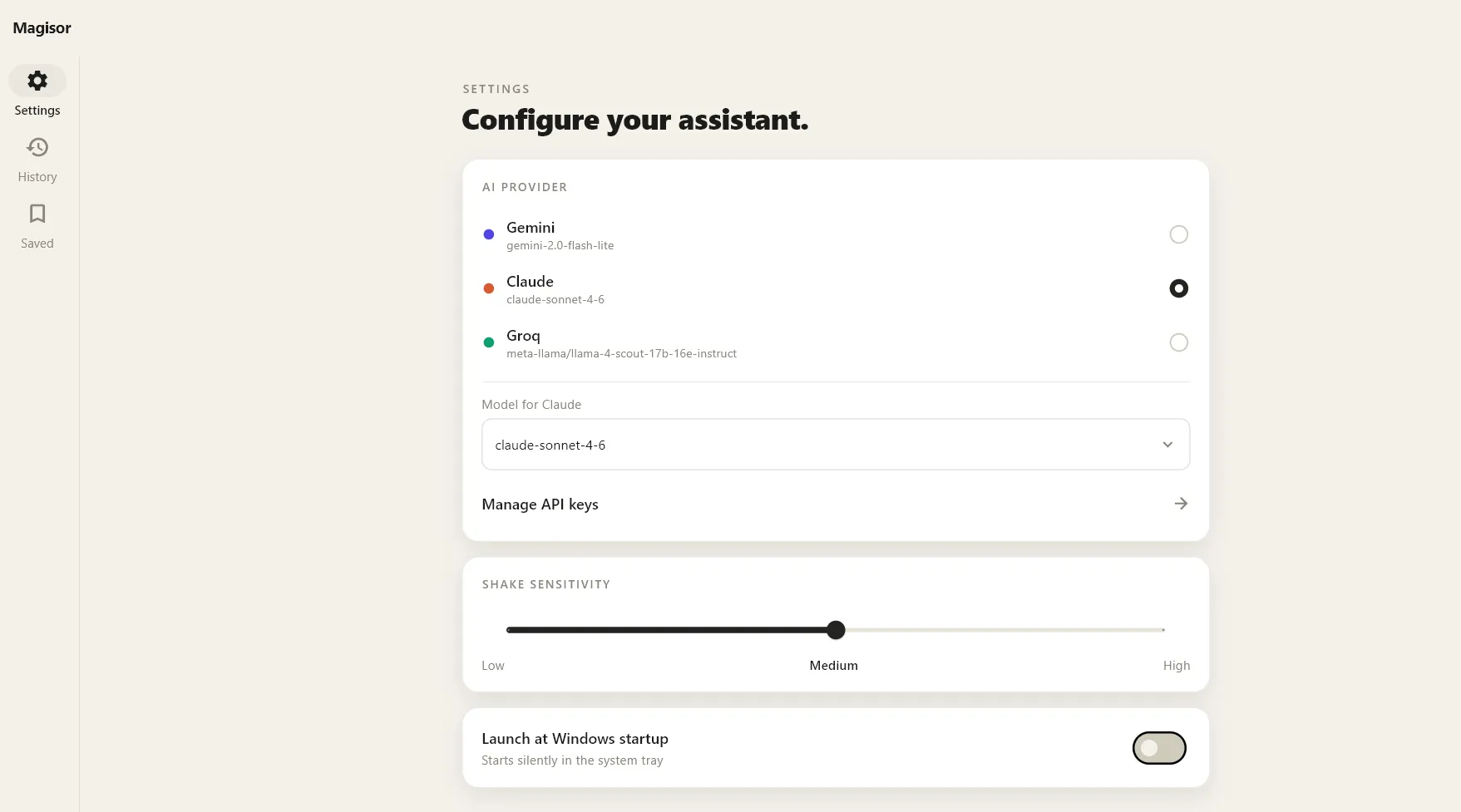
Pick your AI provider (each with a live accent-color dot), choose the exact model, manage API keys, and tune shake sensitivity — all from one screen.
Partway through that rewrite, live-testing surfaced something wrong: the overlay was rendering transparent over the live desktop, so every interaction fought the fact that content underneath kept moving. Rather than patch around it, I paused feature work and wrote a full phased spec for the freeze-the-screenshot model described above, then shipped it phase by phase — build, verify, commit, next phase. That discipline is the single biggest reason a fast-moving, one-person codebase doesn't read like a pile of half-finished retries.
Magisor is still under active, daily development — this isn't a finished, static build, it's a working snapshot of something I keep expanding.
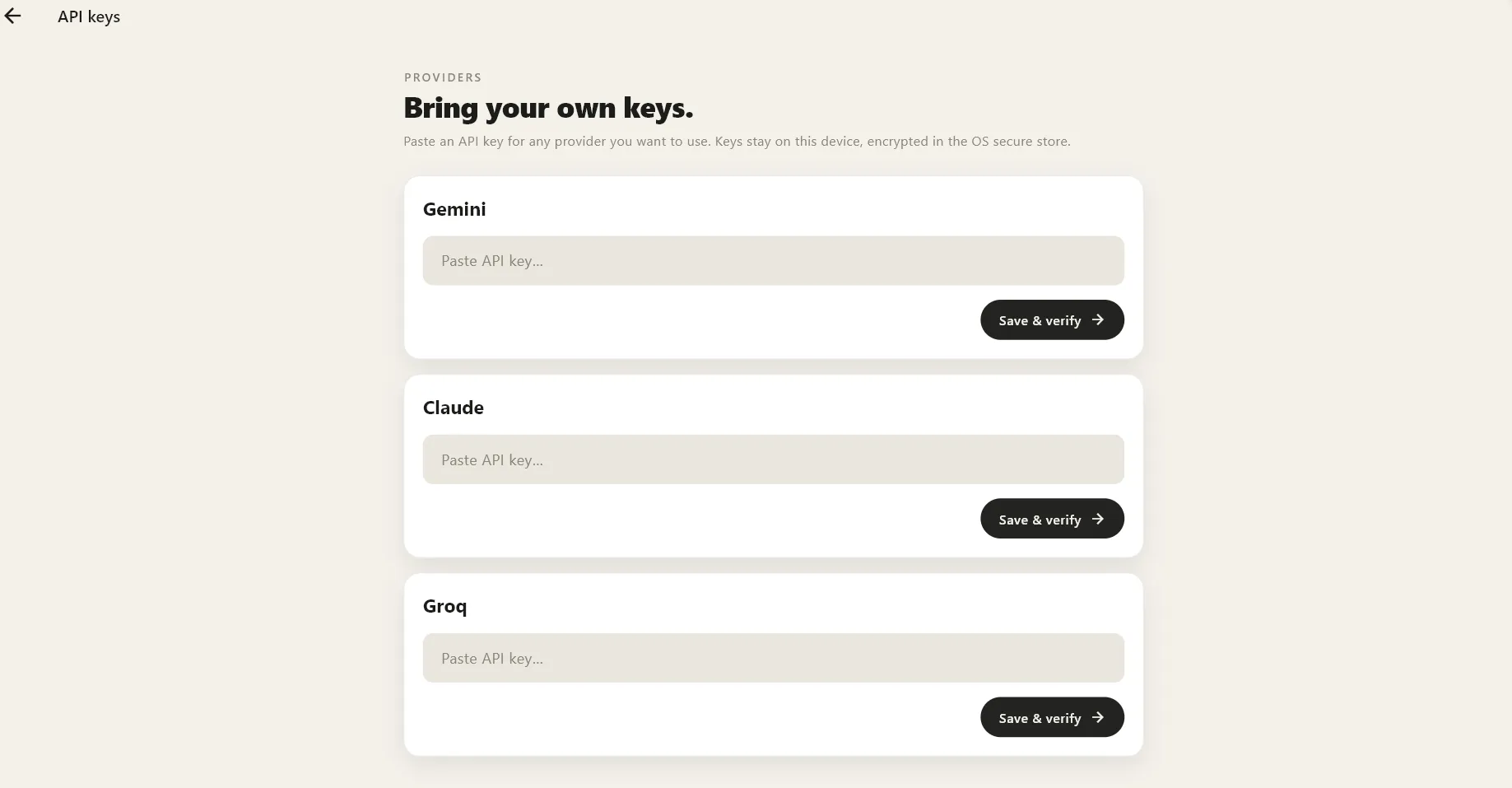
Paste a key for any provider you want to use. It's saved and verified on the spot, and stays local.
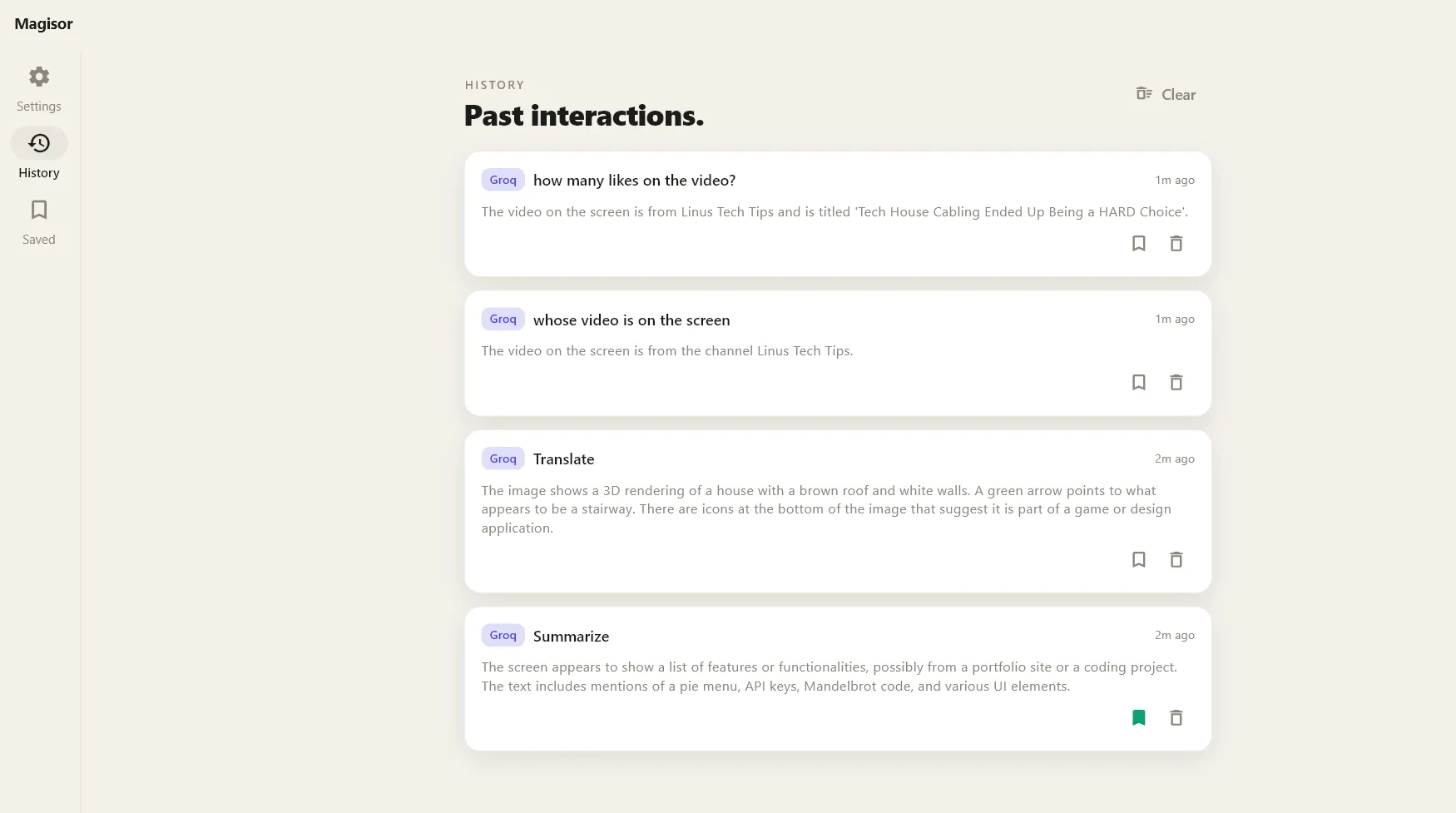
Every Ask, Summarize, and Select-Text result is saved automatically to History.
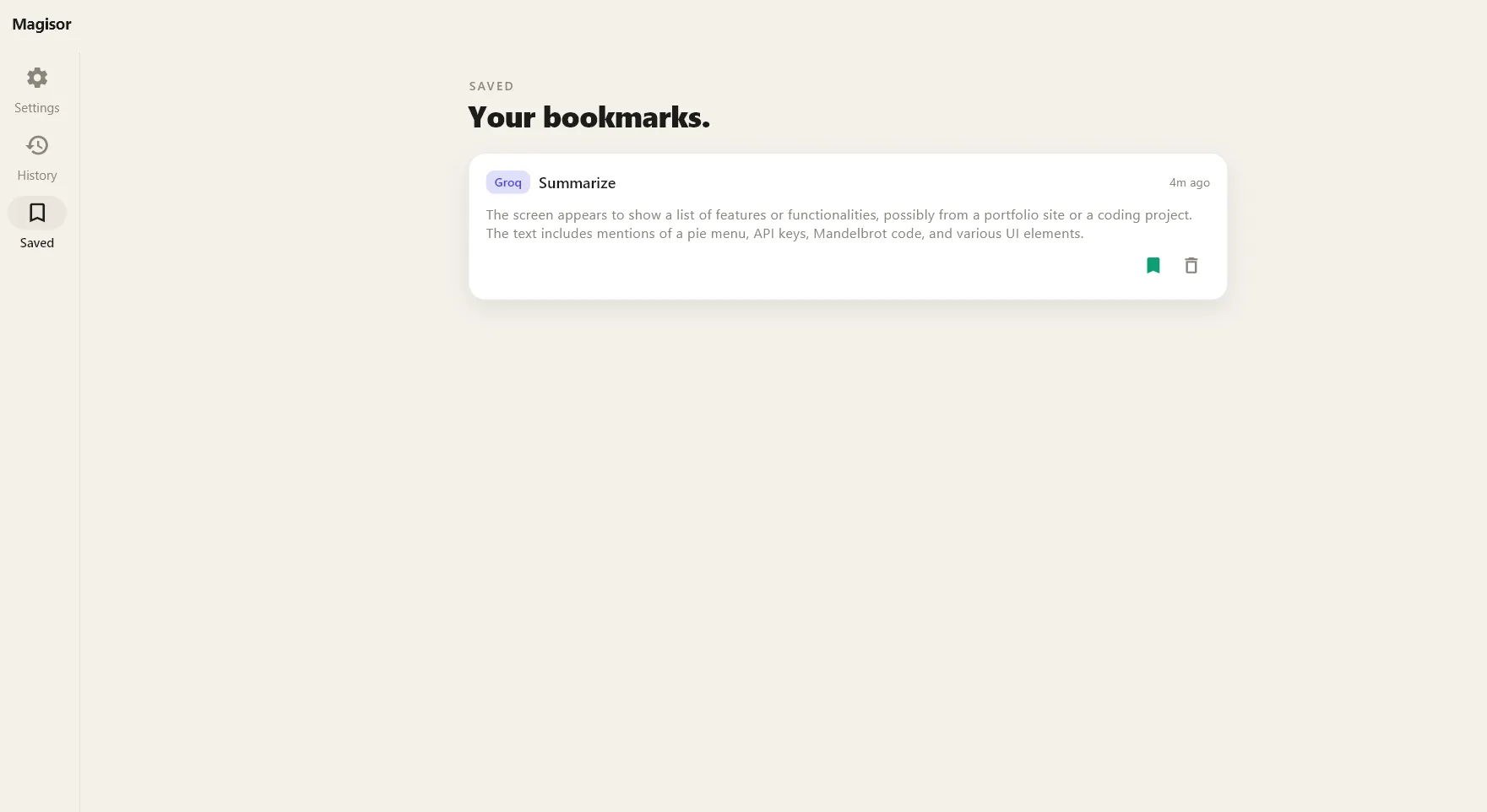
Starring an entry from History keeps it in Saved, independent of history clears.
Building it with Claude Code
This project was built with significant AI assistance, and that's a more specific claim than it sounds. "AI wrote the code" and "AI assisted the code" are easy to conflate, and worth separating.
Ideation and product decisions were mine. The original roadmap, the phased rebuild plan, the freeze-the-screen architecture, the choice of on-device OCR over cloud vision, bring-your-own-key over a hosted backend — none of that came from an AI suggestion. It came from direction and from actually using the app during testing.
Implementation ran through Claude Code, across every phase of the build, working against a maintained specification document as the standing source of truth. The quality of what came out tracked the quality of that spec directly: vague direction produced generic results, while a written, phase-by-phase plan produced a working native OCR bridge — a C++/WinRT integration with a worker thread and hand-marshaled messaging back to the UI thread — correct on the first real attempt.
The loop that actually shipped this was simple: write or update the spec, implement one phase, test and steer by actually using the app, commit, move to the next phase. When the overlay rendered pink, describing exactly that led straight to the fix (an unset alpha channel in the native capture code). When a planned feature turned out not to compose with the freeze-first architecture, Claude Code surfaced the conflict directly — but the call to drop it was mine.
The implementation velocity came from the tooling. The product decisions did not.
What's next
- Friendlier rate-limit handling, with clear messaging and auto-retry when a free-tier provider throttles a request.
- A macOS port — the entire Dart layer and every service class carry over unchanged; only the native runner needs a platform-specific rewrite.
- iOS and Android companion apps for cross-device Ask and history sync.
- A live "point" mode: a second, non-freeze interaction where the AI reads live content directly under the pointer.
- Local model support (Ollama), for anyone who wants zero cloud calls at all.
- A rolling context buffer, so "what did that error say?" still works even after the dialog's gone.
Try it
Magisor is open source and still growing.
- Repository: github.com/vinamrapandey/Magisor
- Releases: github.com/vinamrapandey/Magisor/releases
- Latest installer:
Magisor-Setup-1.6.0.exe(Windows 10/11 x64)
Have something in mind?
Let's build it together.